Friday, December 12, 2014

Celebrating Computer Science Education Week with the Hour of Code
Dr. Grace Murray Hopper

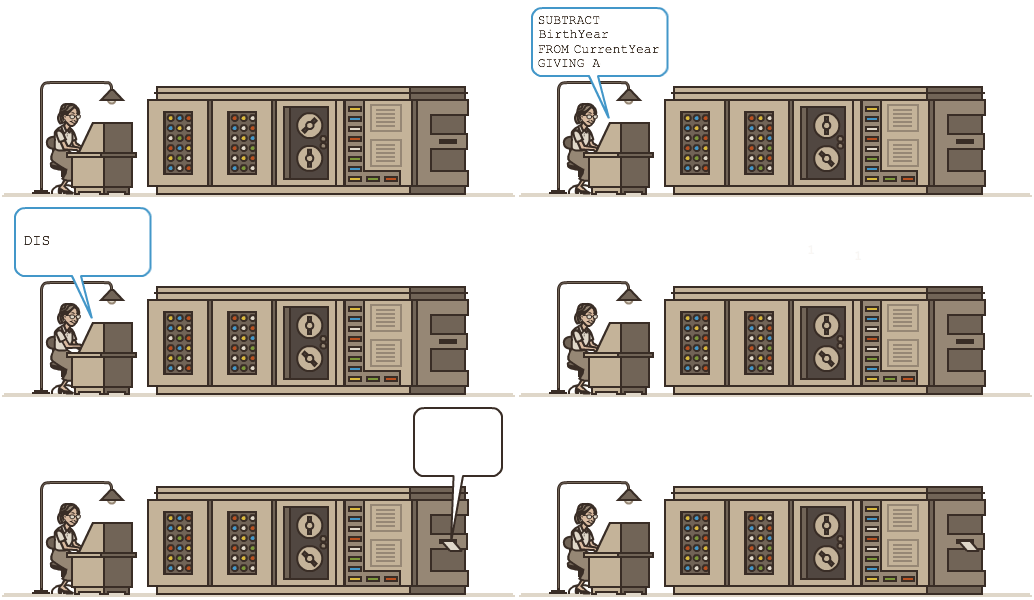
This week is Computer Science Education Week! CSEW takes place this week to honor Dr. Grace Murray Hopper, a pioneer in the field of computer science and who was born on December 9, 1906.


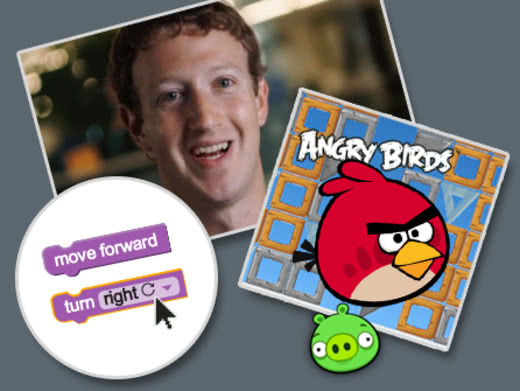
http://code.org/learnTo celebrate Computer Science Education Week, we will be participating in code.org's "Hour of Code" program that has taught almost 70 million students world wide how to write computer code to program a computer. Listen to President Obama deliver the opening remarks for the 2014 "Hour of Code" challenge.


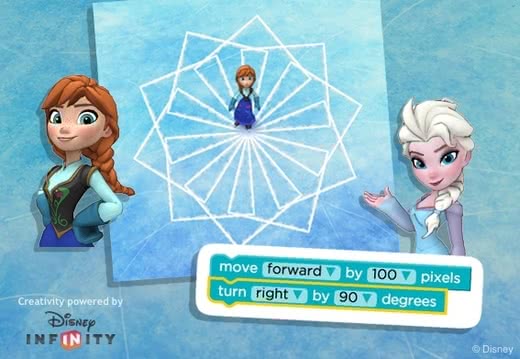
To get started, go to studio.code.org/join/JXHMQX and join Ms. Kline's "Hour of Code" class. After you have joined Ms. Kline's "Hour of Code" class, you will be in your "dashboard" area and you will be able to see all of the coding classes that are available to you. For the Hour of Code during Computer Science Education Week, you may do either the "Coding with Anna or Elsa" of Frozen or the "Hour of Code" with Angry Birds project.

Remember the code.org advice: "Ask 3 then ask me". Try to problem solve with your table team, then ask Ms. Kline if you still can't figure it out. Have fun!

Tier III Vocabulary:
code
program
computer programming

Labels: , , , , , , , ,

Tuesday, March 18, 2014

Create a Video Game Using Tynker Coding

http://www.tynker.com/schools

You have already learned how to program with the visual programming editor, Blockly, during Code.org's K-8 Computer Science Course. Every Spurgeon technology student has completed the entire course and received a certificate...great job!

This week, you will begin a coding project using Tynker. This is another web-based visual programming editor like Blockly and Scratch. You will group the coding blocks to create a game just like you did with your Code.org projects.

To begin your Tynker coding projects: https://www.tynker.com/login
  1. Go to Tynker.com/schools
  2. Click the green "Sing in" button at the top right of the screen.
  3. Click the blue "Student" button to sign in.
  4. Click the red "Sign in with Google" button.
  5. Click the blue "Accept" button.
  6. Enter the class code that Ms. Kline wrote on the board.
  7. Click sign in
  8. Click the green "Go to Class" button
  9. Click the orange "Start Lesson 1" button
  10. Don't forget to sign out when you are done!
You will now complete 8 Tynker lessons!

Labels: , , , , ,

Monday, March 03, 2014

Flappy Birthday Code.org! Create Your Very Own "Flappy Bird" Game & Share it With Friends!

Code.org is 1 Year Old!
 
Celebrate by creating your very own "Flappy Bird" game and share it with your friends!

http://code.org/

Use the amazing Blockly coding skills you have developed over the past several weeks to create your own version of the popular video game, "Flappy Bird" and share your newly-created game with your friends.

After you have completed the lessons teaching you how to program your Flappy Bird game, you will create your own game, just the way you like it! When you are done, you will copy the URL of your game from the address bar in your browser. Paste that URL in Ms. Kline's Flappy Bird Google Doc so that your friends will be able to play your version of Flappy Bird, too.

You can also create your own Google Doc and share it with your friends. 

Don't forget to have fun!!

Labels: , , , , ,

Monday, December 16, 2013

An "Hour of Code" and Beyond...

Last week Spurgeon Technology students participated in code.org's global Hour of Code project, with a goal of 10 million students writing a billion lines of code. By the time we jumped in to participate, around noon, there were already 3 million students participating.

Spurgeon Technology Students "Writing Code" using Blockly for the Hour of Code Project

Today, only one week later, there are 16 million students participating, and we are half way to achieving the goal of ONE BILLION lines of code...wow!!

Every Spurgeon technology student participated, and every single Spurgeon technology student was, most importantly, successful. Every student wrote 20 lines of code, using the visual editor, Blockly, to complete the various projects in "The Maze."
Hmmm...how many blocks am I supposed to use?

This week we will continue the programming lessons using Blockly and we will tackle Hour of Code project called "The Artist." Let's see what cool things we can draw by coding!

http://learn.code.org/s/1/level/24

Our Tier III Vocabulary for the week:
coding
logic

Tier II Vocabulary for the week:
demonstrate
structure


Labels: , , , , , ,

Thursday, December 12, 2013

Spurgeon Students Enjoying "Hour of Code" Project!


This week we have been working on the lessons from the code.org "Hour of Code" project.
 
The students are completely engaged in the lessons, are enjoying the exercises, and are truly pleased when they successfully complete a coding exercise!

When we started the Hour of Code project on Monday, there were already over 3 million students writing code with the goal of having 10 million. By Wednesday, we were already at 9.5 million!

Labels: , , , , , ,

Tuesday, December 10, 2013

Hour of Code - Teacher Set Up Directions


http://code.org/
Teachers who wish to "jump in" and start teaching students to code, will find that the code.org "Hour of Code" project is incredibly easy to teach! There are informative videos, and engaging coding lessons for all ages of students.
http://learn.code.org/
We are using the middle school lessons at Spurgeon which includes 20 separate "hour long" lessons which can be taught over several weeks.

To get started, you will first need an account. Click "Sign In" at the top of the code.org web site, then click "sign up" but don't fill in the form until you click on the "Are you a teacher" link on the right. Create your teacher account, and sign in. From here you are taken to your teacher dashboard.
code.org Teacher Dashboard
 This is the teacher dashboard. Click "Manage Students" and "add a section" to generate a class code to give to students as they log in the first time. Students will go to code.org/join to fill in their name and choose a password. Teachers can manage the student accounts, and change passwords. Teachers can also monitor student progress in the program, in addition to being able to complete the lessons themselves.


The student dashboard displays the lessons that are available, and gives the student feedback about his/her progress through the 20 lessons. The dashboard also displays trophies the student earns along the way.


By clicking on the "Progress Dashboard", teachers can check students' progress in a very detailed manner including progress in the last hour. A dark green square means that the student completed the exercise correctly. A light green square means that the student used too many blocks of code to complete the exercise and may do it again. A white dot means that the student completed the exercise in the last hour. The teacher dashboard displays student trophies as well.

To see the educational resources available, go to:
http://code.org/educate/curriculum

Labels: , , , ,

Monday, December 09, 2013

Computer Science Education Week & "Hour of Code"

Dr. Grace Murray Hopper

This week is Computer Science Education Week! CSEW takes place this week to honor Dr. Grace Murray Hopper, a pioneer in the field of computer science and who was born on December 9, 1906.


http://code.org/learnTo celebrate Computer Science Education Week, we will be participating in code.org's "Hour of Code" program that seeks to teach up to 10,000,000 students world wide how to write computer code to program a computer. First we'll watch this introductory video about the "Hour of Code" challenge.


To get started, go to code.org/join and join Ms. Kline's "Hour of Code" class using the code on the board. After you have joined Ms. Kline's "Hour of Code" class, you will be in your "dashboard" area and you will be able to see all of the coding classes that are available to you. Start with Course #1 by
watching the video and completing the accompanying exercises.

Remember the code.org advice: "Ask 3 then ask me". Try to problem solve with 2-3 nearby students then ask Ms. Kline if you still can't figure it out.

Tier III Vocabulary for the week:
code
program
computer programming

Tier II Vocabulary for the week:
comprehend
precise
intuitive

Labels: , , , , , ,